Vibe checks
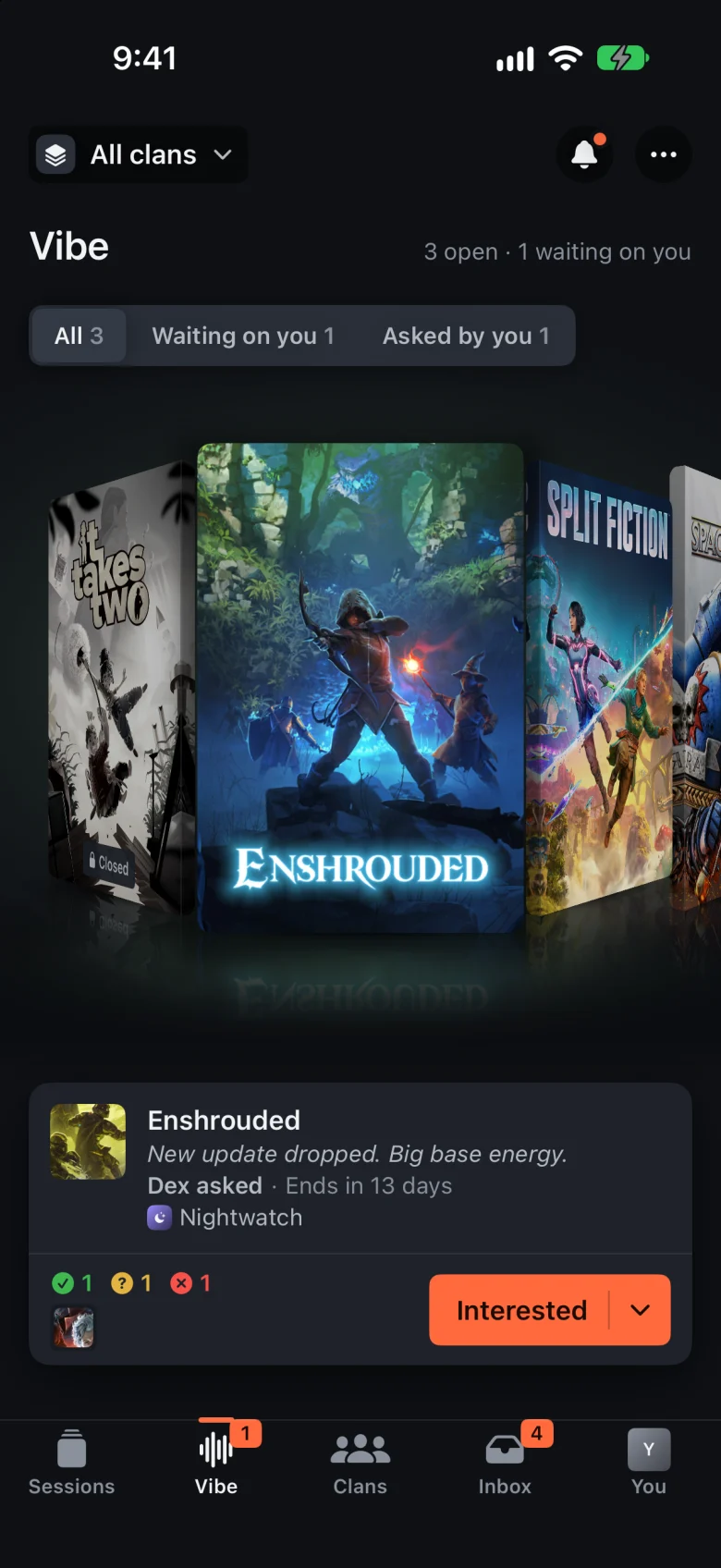
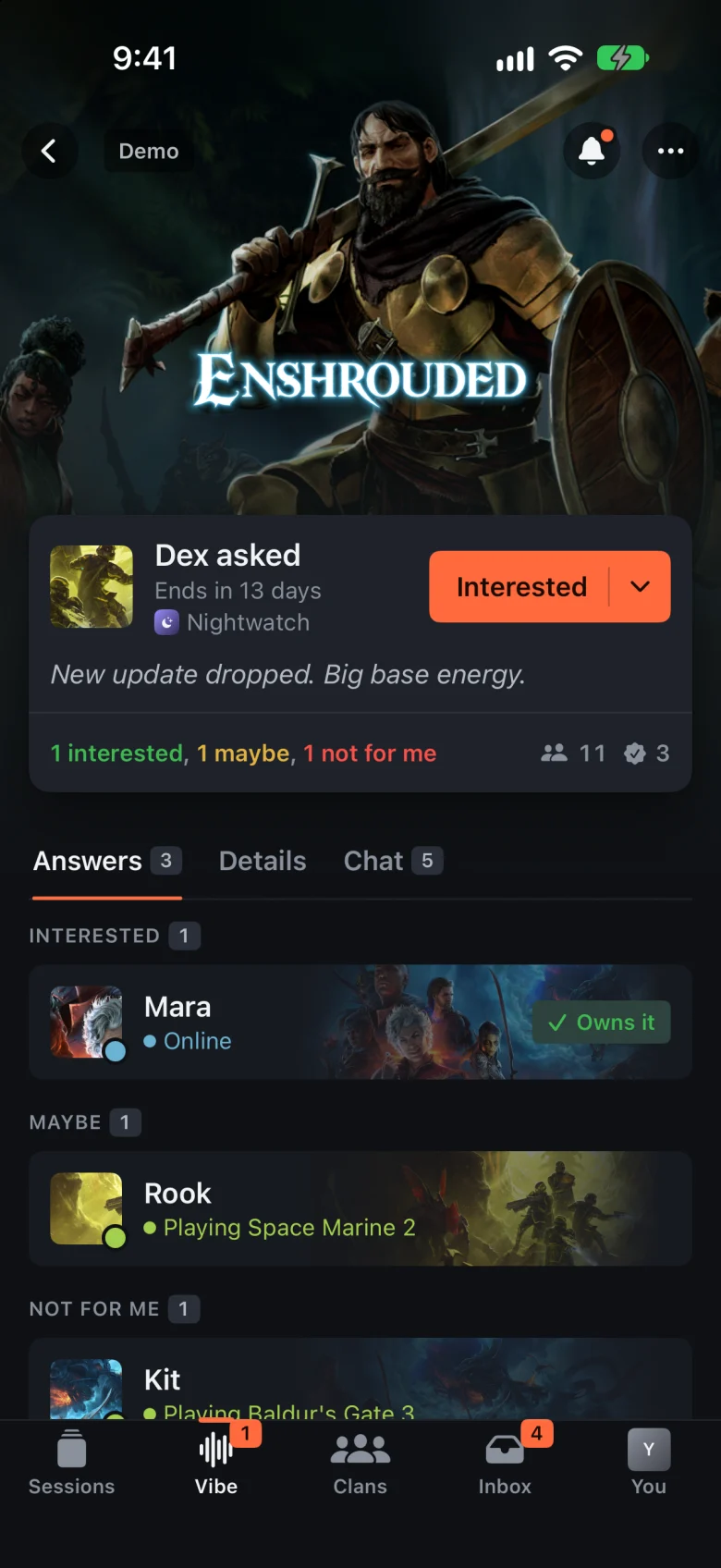
Not sure what people feel like playing? Ask before anything is scheduled. Interested, Maybe or Not for me, plus who already owns the game.
A session is a game, a time and a clan. Post it in three taps, with cover art straight from your Steam library.
Everyone answers In, Maybe or Out. The roster fills up live, and a nudge gets the quiet ones moving.
Enough people in, and the session locks. No more "are we still on?" at five to nine.


lckdn Said "Locked In"
The iPhone app for planning game nights with your clans. Pick a game and a time, see who is in, and lock it in.
More Everything around the session
Not sure what people feel like playing? Ask before anything is scheduled. Interested, Maybe or Not for me, plus who already owns the game.
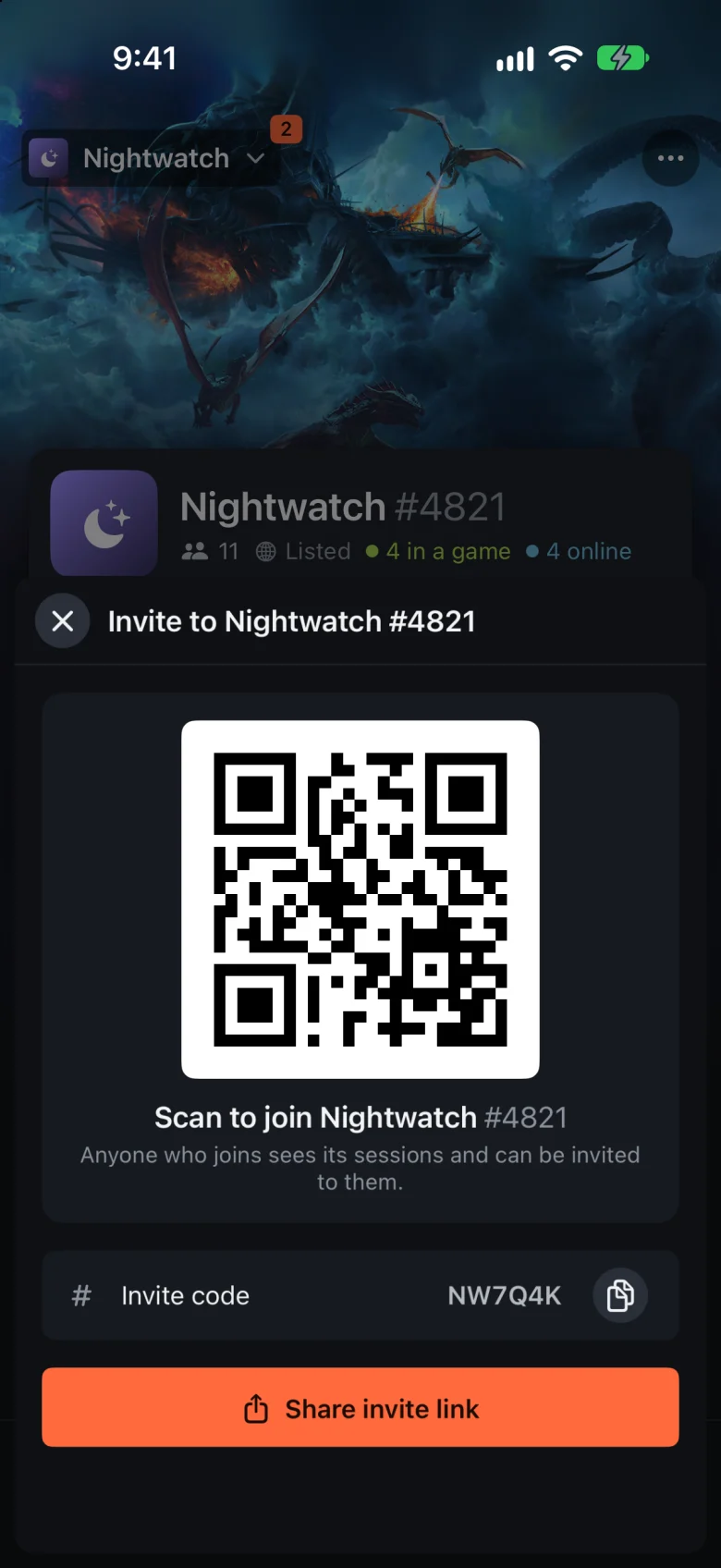
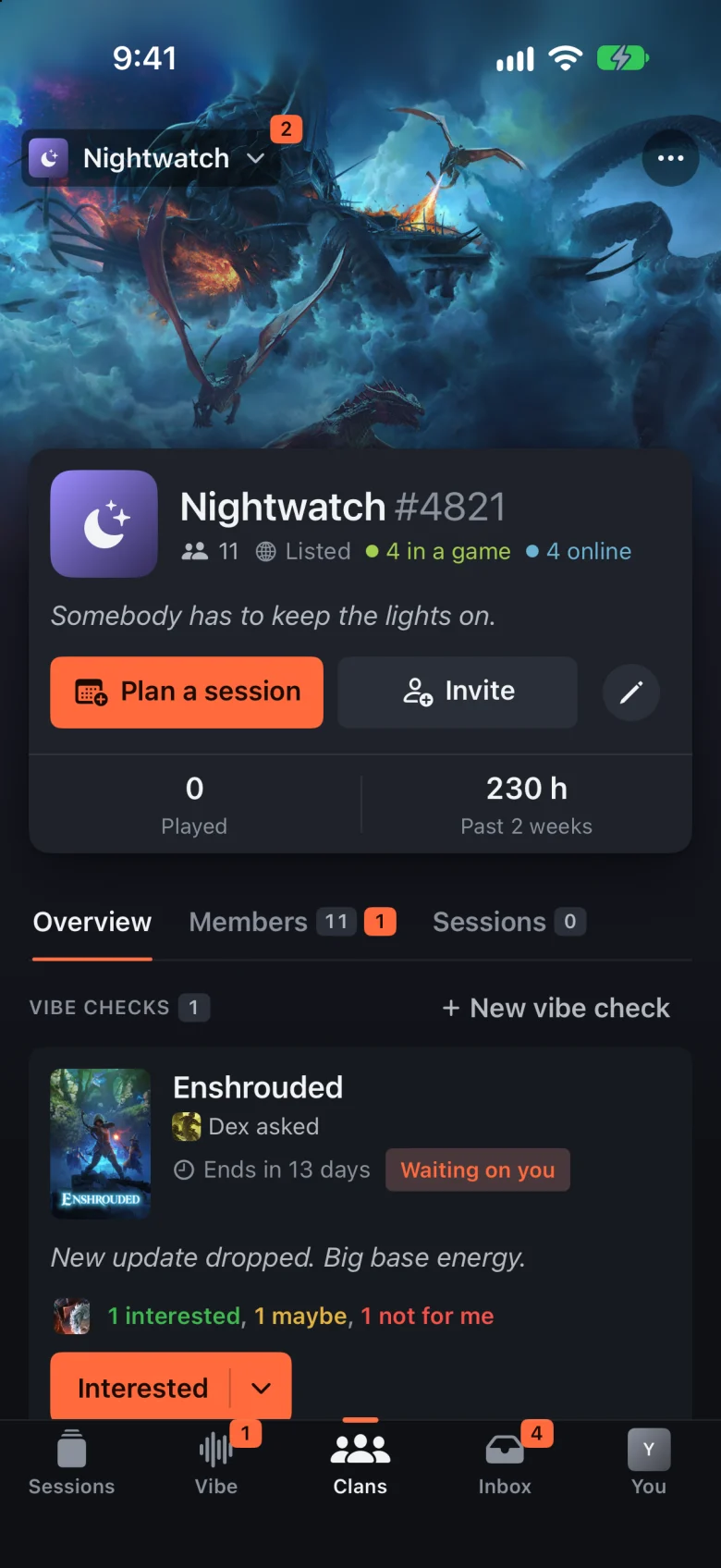
Your people in one place. Invite with a code, a link or a QR code, hand out roles, and keep the clan listed for others to find or private for the regulars.
Every session and every vibe check has its own chat, and there are direct messages for the rest. Replies, edits and reactions included.
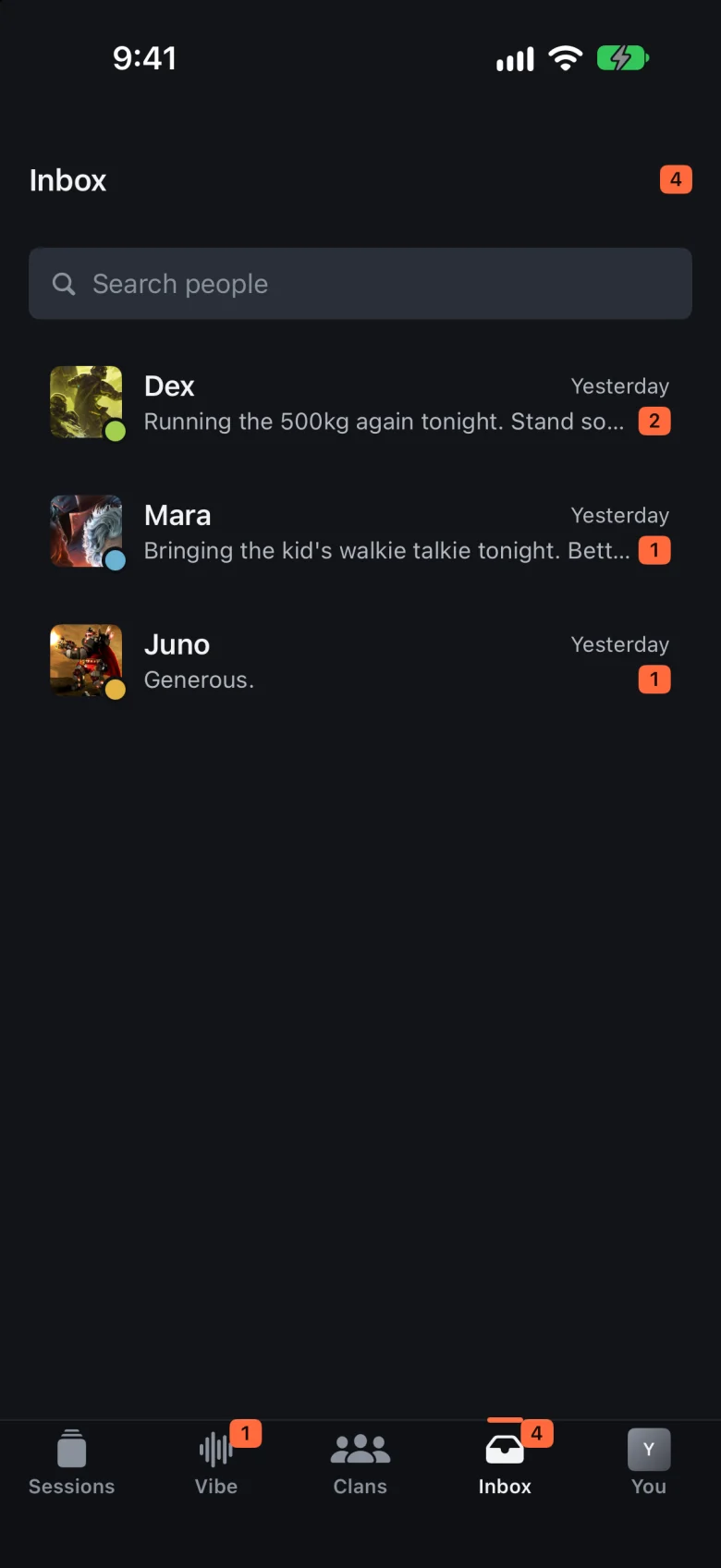
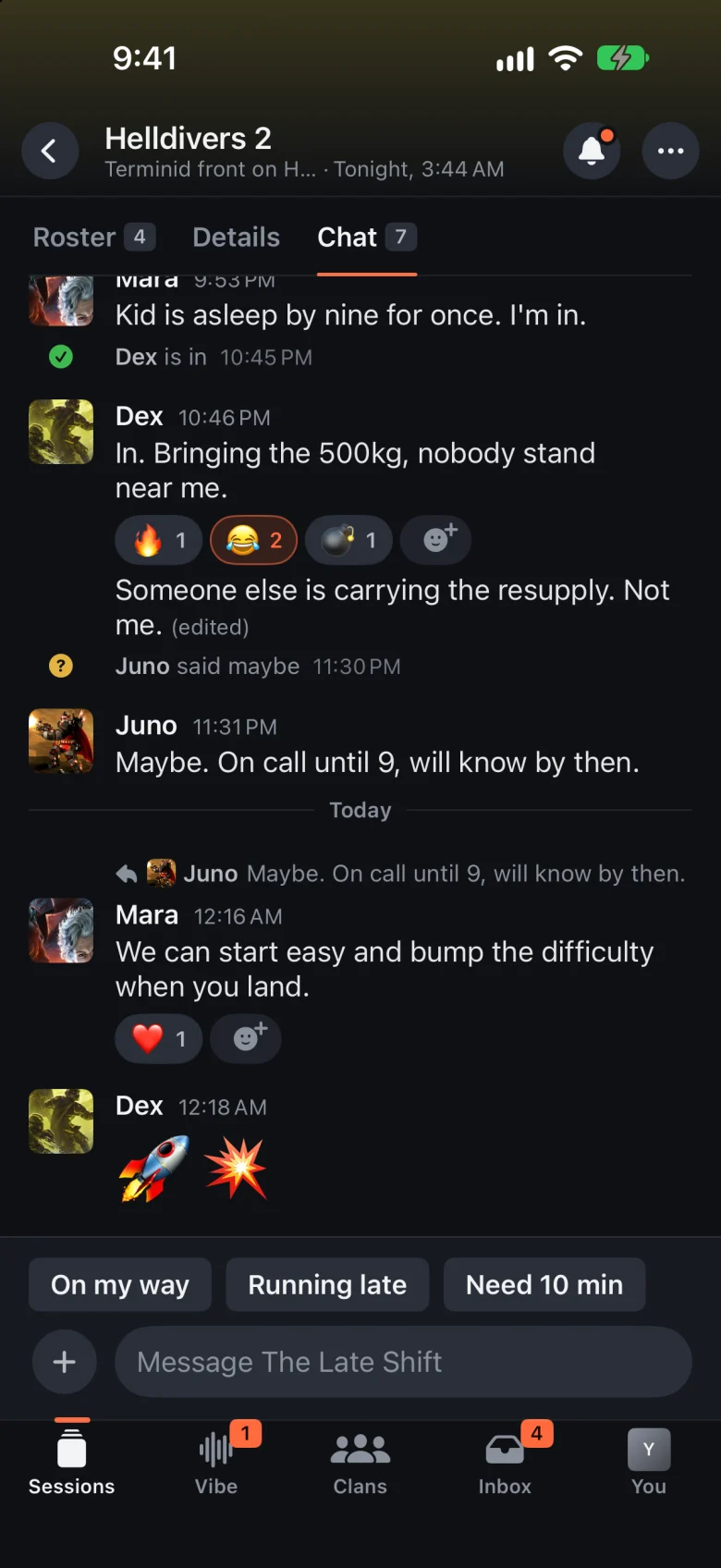
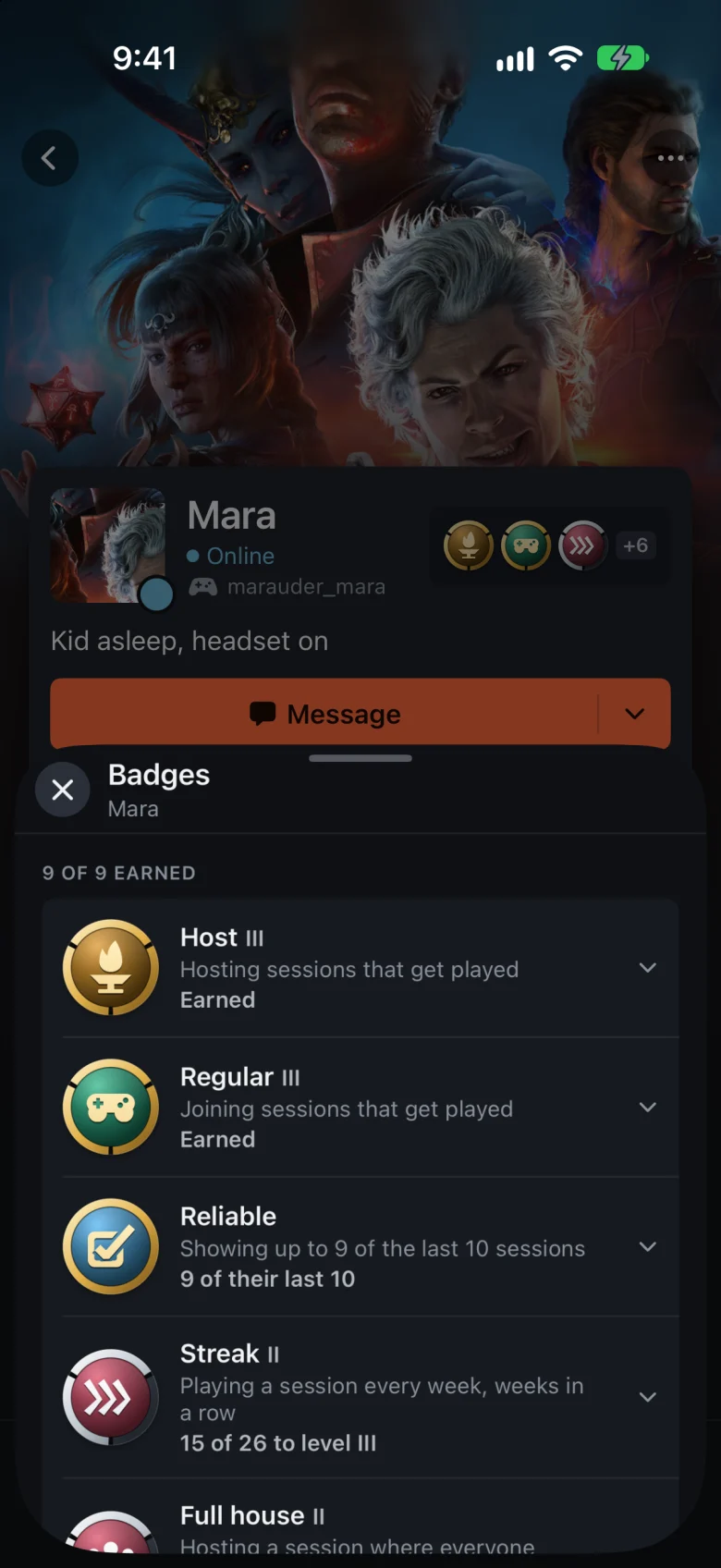
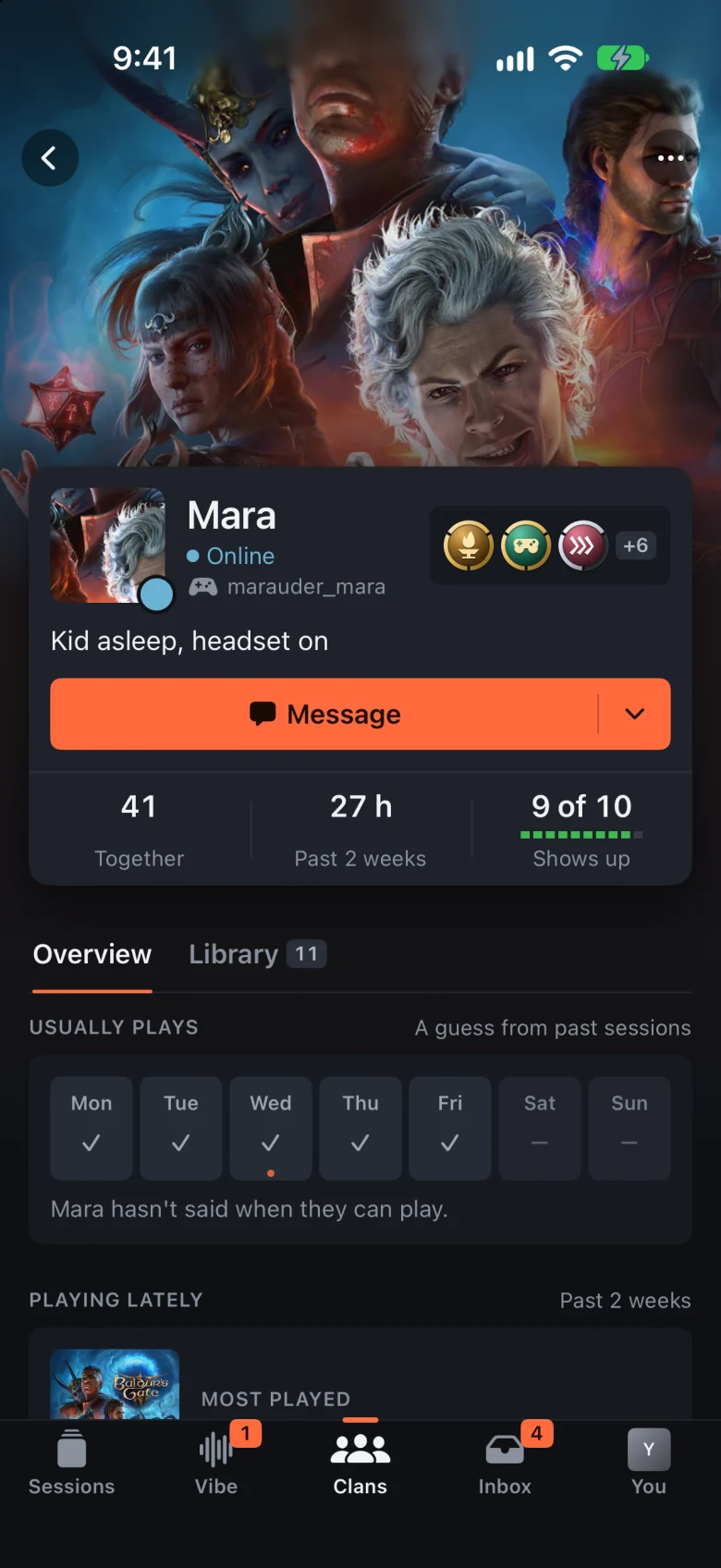
Badges for hosting, for streaks and for simply showing up. Your library, your hours, and the nights you can usually play.
iPhone Duo Two screens, one app
The front screen gets the whole app, laid out for one hand.
The shelf on one side, the session on the other. Nothing is stretched to fit: the open screen has its own layout.
Upright or sideways, every screen is designed both ways.
The app knows where the hinge is and keeps everything clear of the fold.
Fits Built for the phone in your hand
Discord Where your clan already talks
A clan admin links a server they manage. That is the whole setup.
Game, time, host and roster, with In, Maybe and Out buttons right under the post.
Tap In on Discord and the app knows. Answer in the app and the post keeps up.
A follow up when it locks, a heads up before it starts, and a scheduled event on the server.
Steam One tap to sign in
Sign in with Steam and that is your account: no new password, no email. lckdn never sees your Steam password.


